The Payment History Report reviews every transaction recorded via the Delivery Tribe mobile application over the given time period. Payments are displayed in two tabs, 1 for successful payments and another for unpaid deliveries.
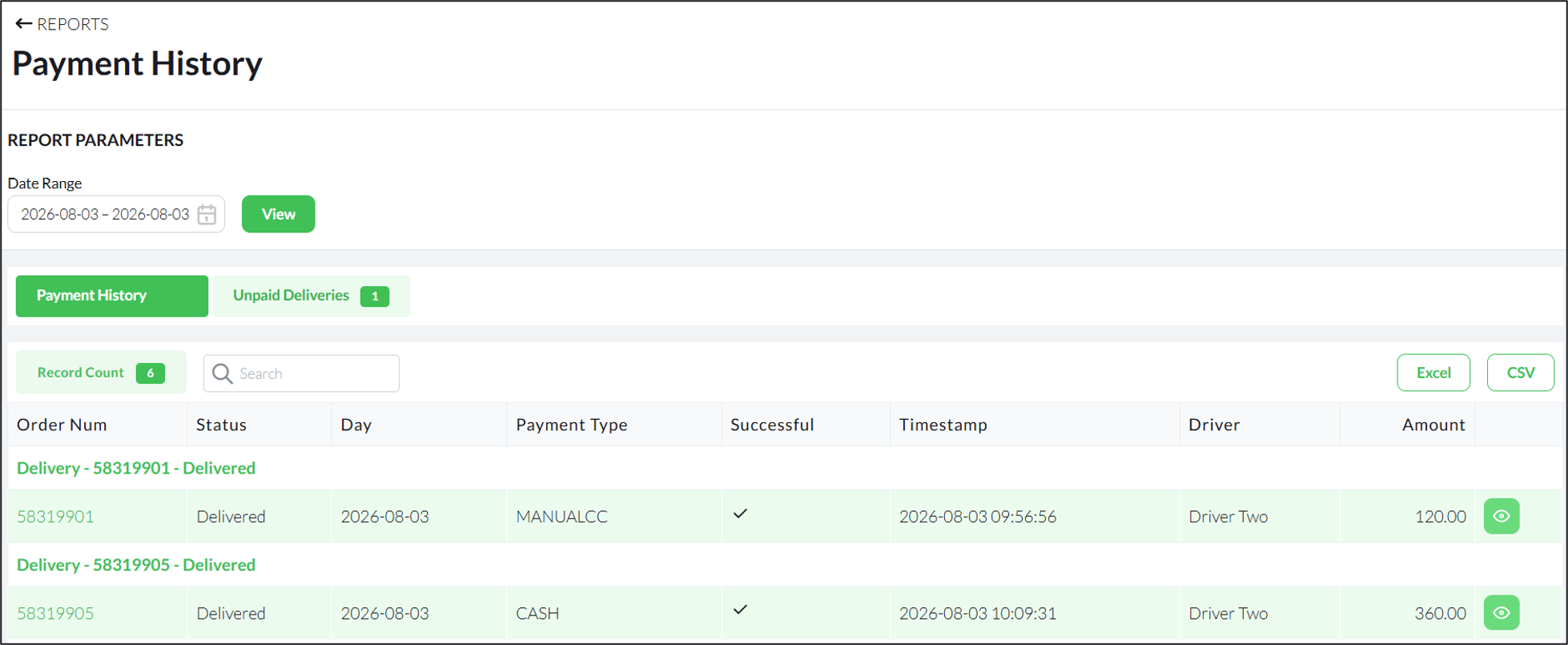

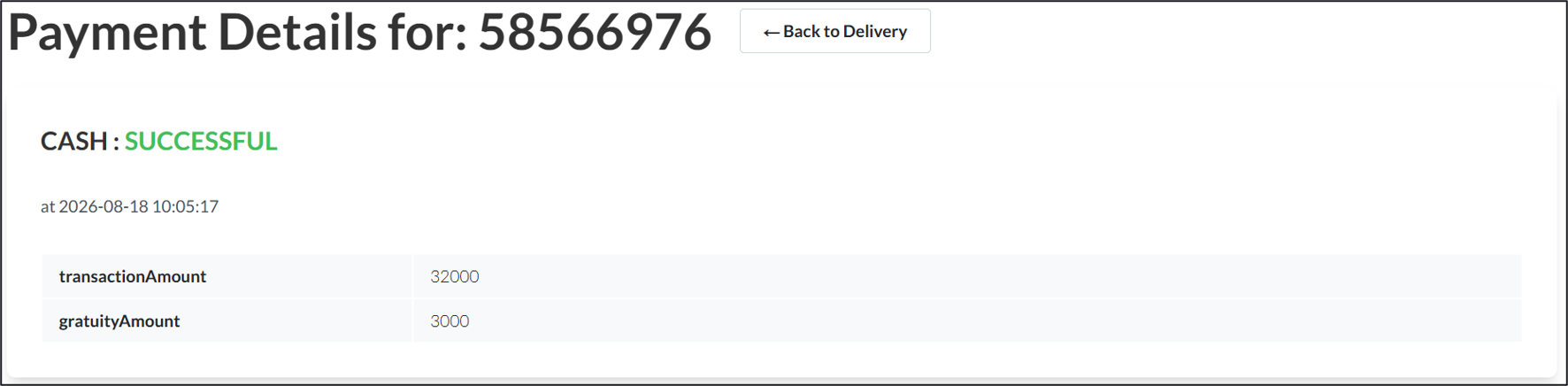
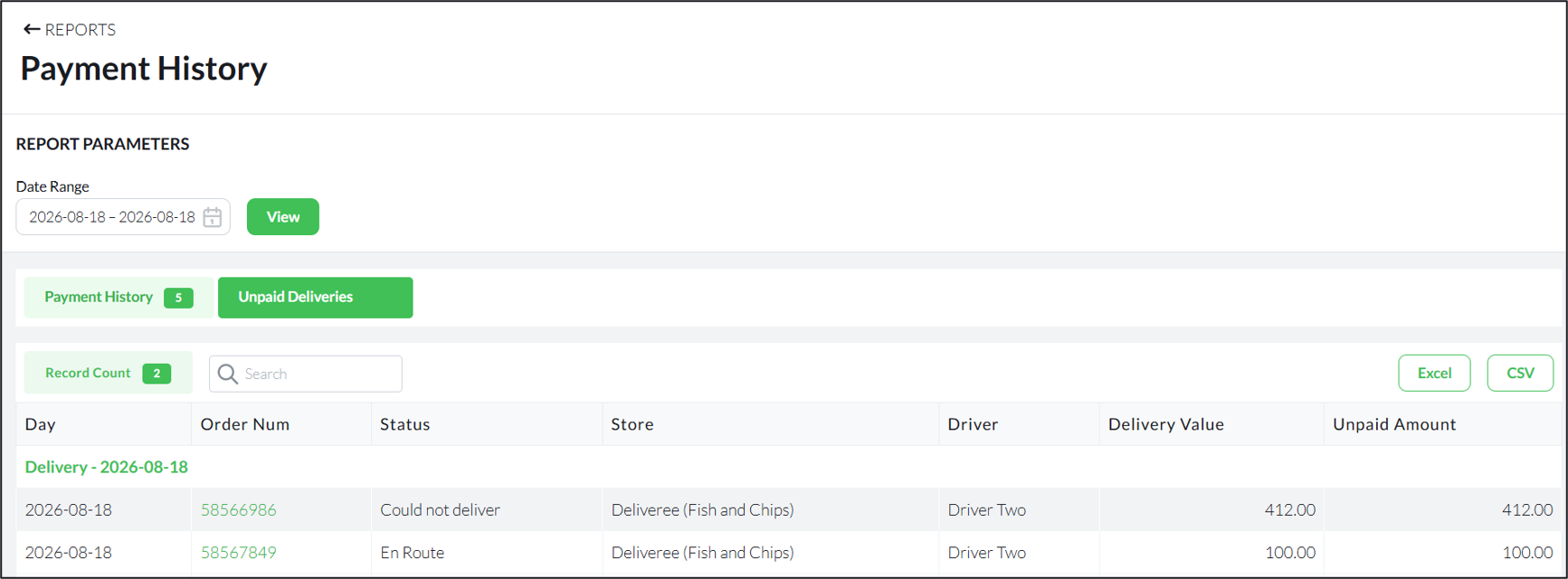
Click the Unpaid Deliveries tab to view a list of unpaid deliveries, if any are available.
The example below shows two unpaid orders. One order was marked as Could Not Deliver, while the other was never marked as delivered and the status is En Route.
This report can also be copied or exported to Excel and CSV.
For additional training on reports, please contact support@deliverytribe.co.za
Learning Material Feedback Form
We would love to hear your thoughts and suggestions so that we can improve our training material. Please follow the link and provide us with feedback:
https://form.jotform.com/210180530919551