If your store is a combo (more than one restaurant/store) you will see this report.
You can filter by day, week, and month.
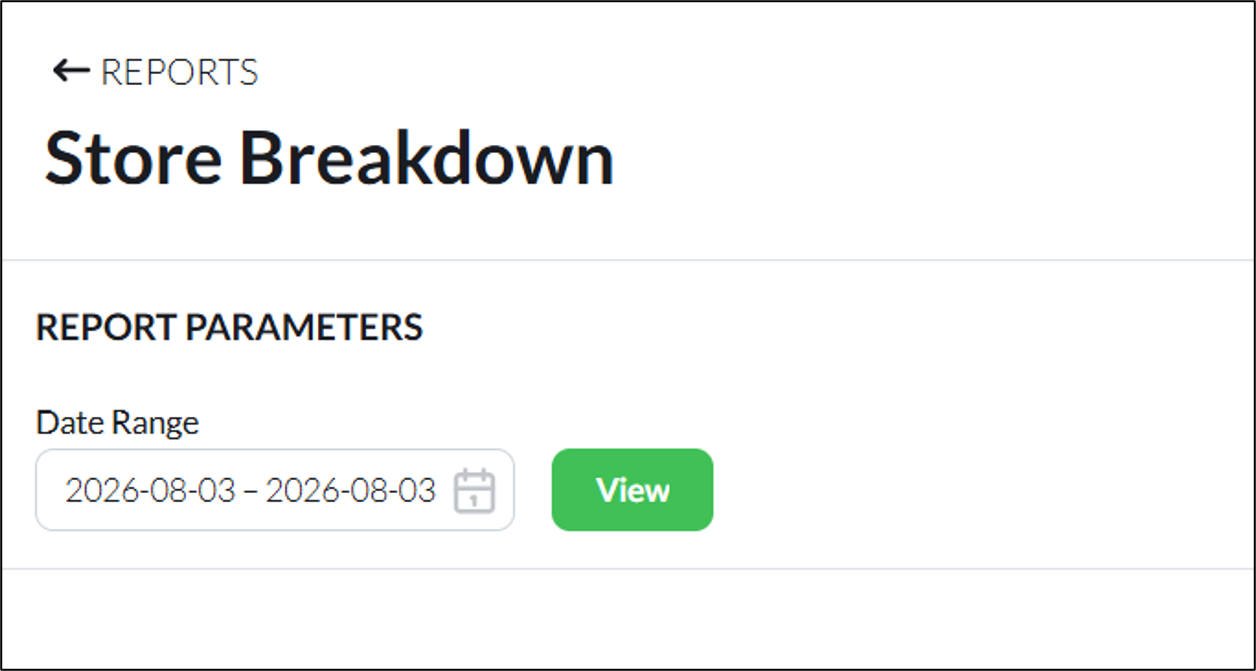
select a time period and click “View”.
You will then see the stats below:
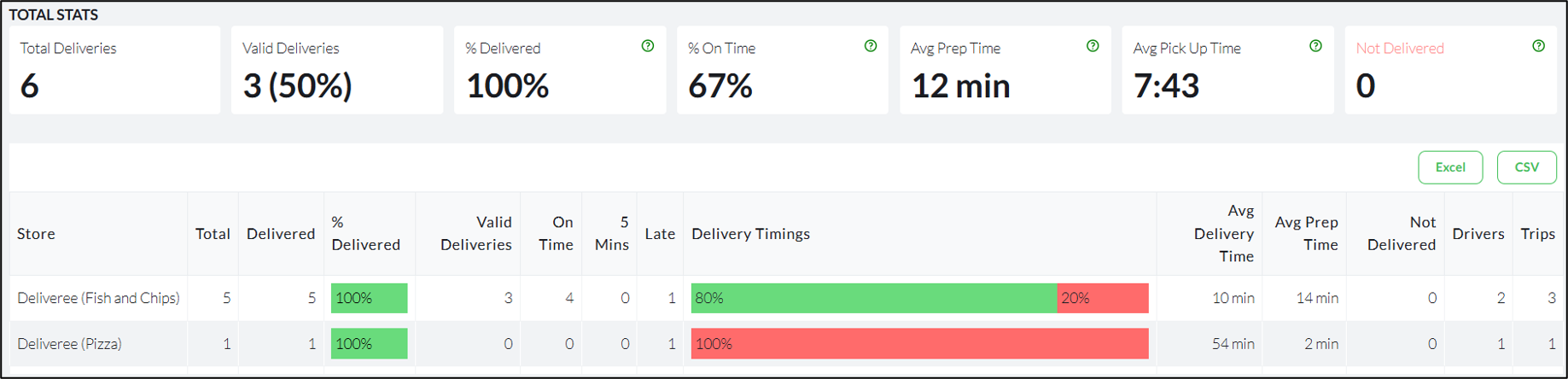
At the top (from left to right), you will see”
- Total Deliveries
- % of Valid Delivered
- % delivered
- % on Time
- Average prep time
- Average pickup time
- Number of orders not delivered
Displayed below is the breakdown for all stores:

From left to right, you will see:
- The name of the store
- Total number of orders
- Number of orders delivered
- % Delivered
- Delivery Timings
- Number of orders not delivered
- Number of Drivers
- Number of trips
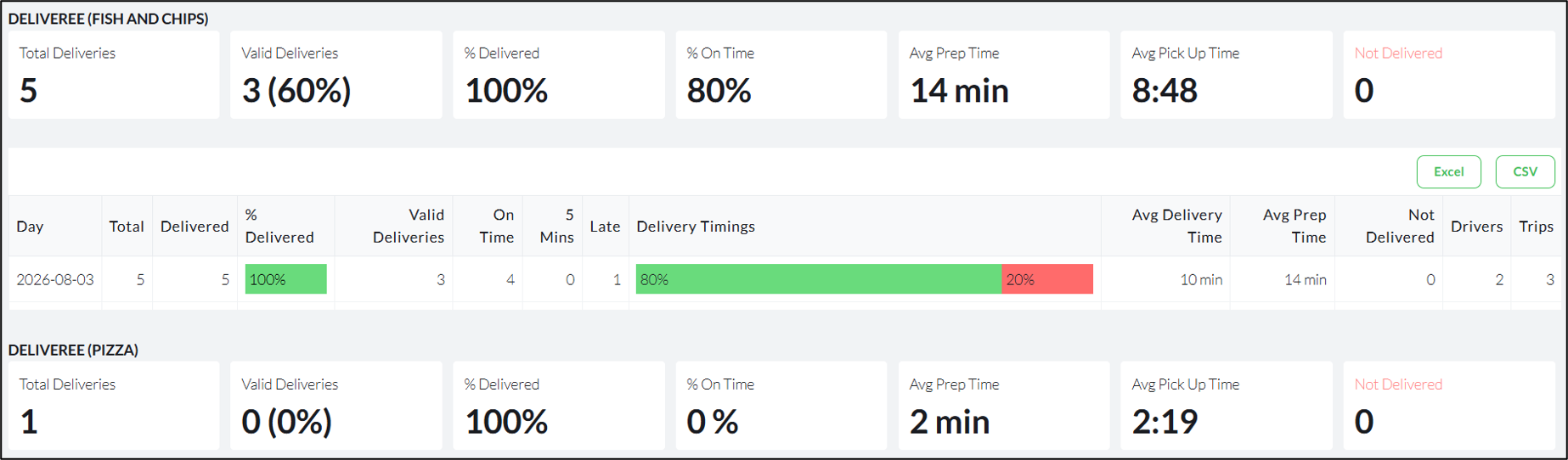
Below that you will see the details for each store.
The same colour coding applies with all reports:
GREEN: On time- delivered within the 32 minutes.
ORANGE: 5 minutes late- delivered 5 minutes after the 32 minutes.
RED: Late- delivered later than 5 minutes after the 32 minutes.
BLACK: Not delivered
For additional training on the reports, email support@deliverytribe.co.za